How it Works
1. Launch RecoveryPro OST Splitter.
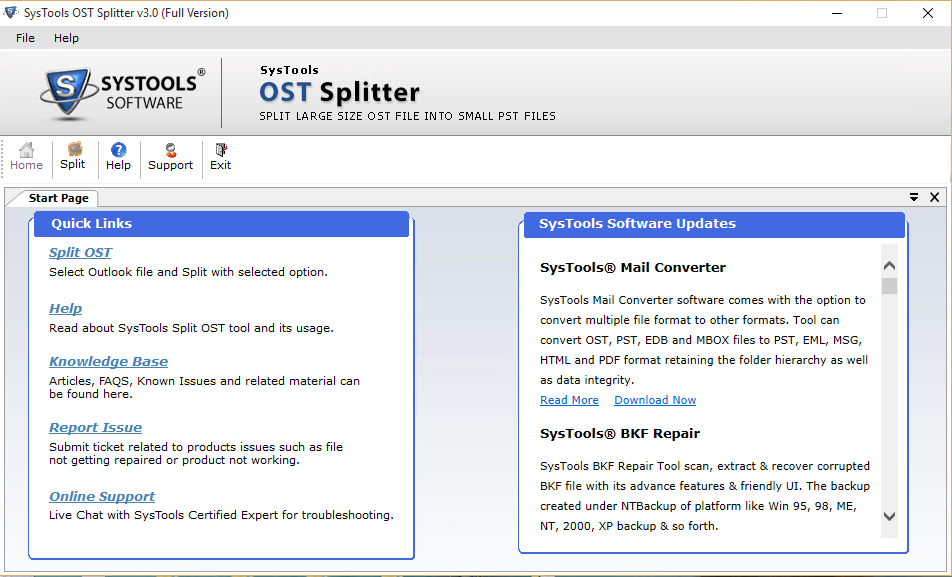
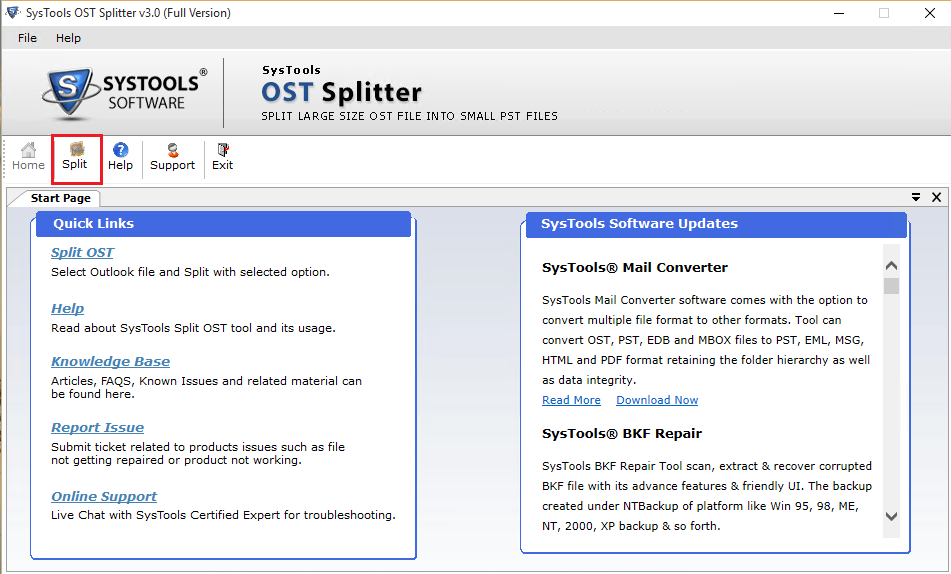
2. Click on Split option which is on the top left corner.
3. Now select Outlook version & Split option (by size, by folder, by year, by date).
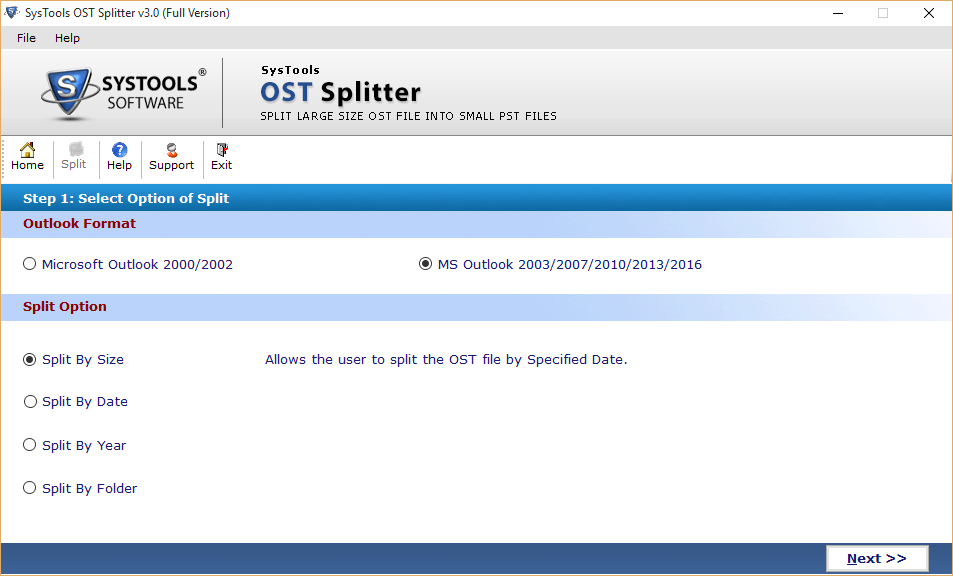
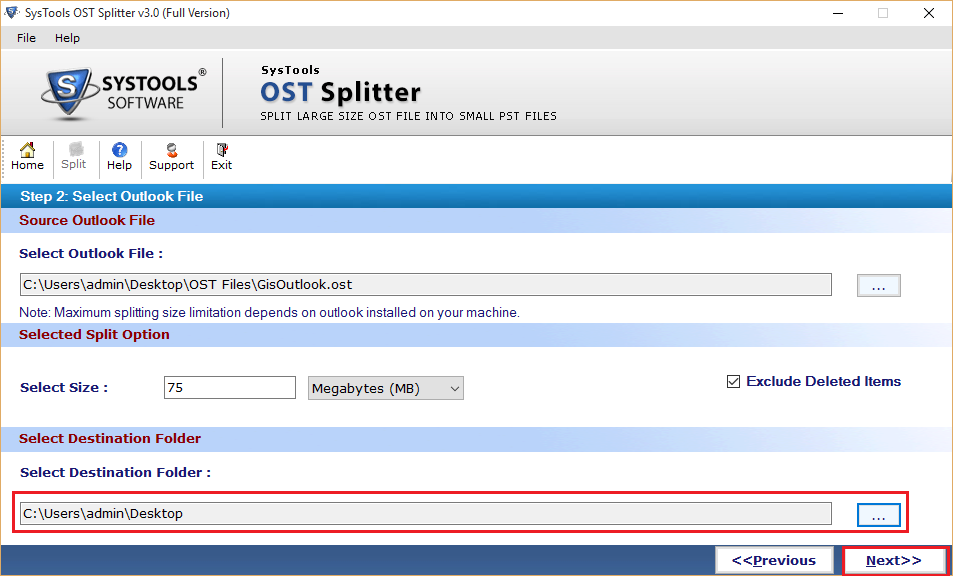
4. a) By Size: If you select this option then you need to specify size in MB or GB.
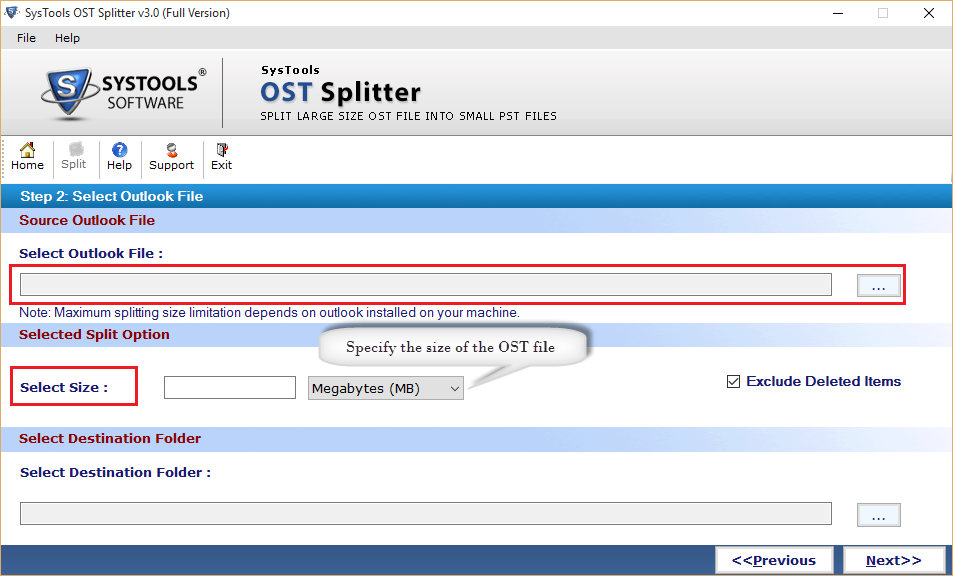
b) By Folder: In this option, you need to specify folder size.
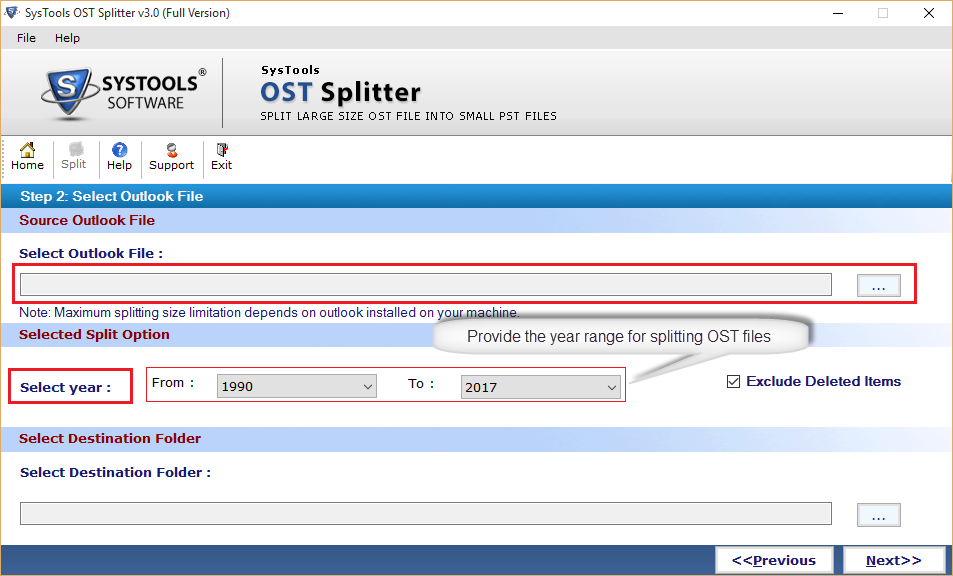
c) By Year: Provide the year range for splitting OST files.
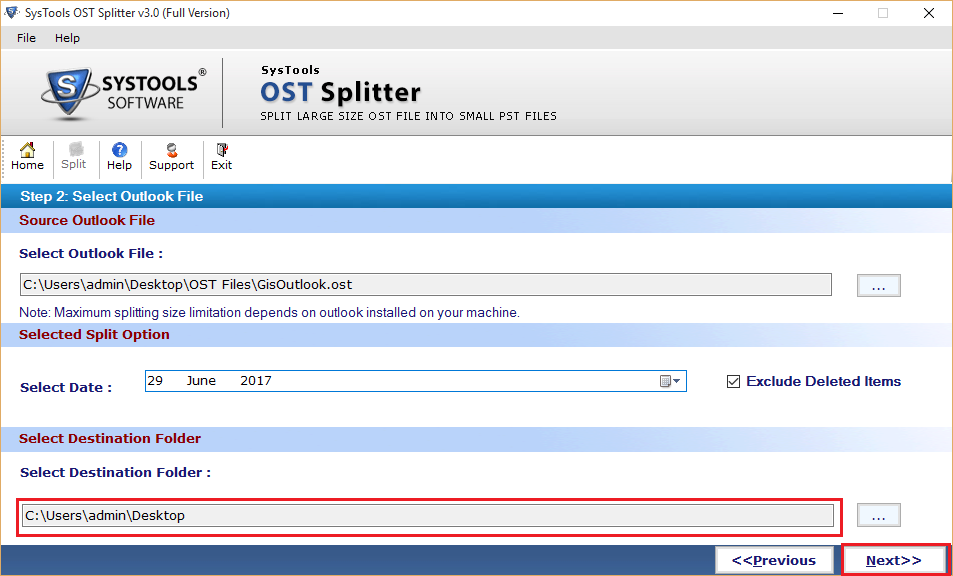
d) By Date: You need to select date to split the OST file by date.
5. Split Status: A new screen will appear which shows the status of a split process.
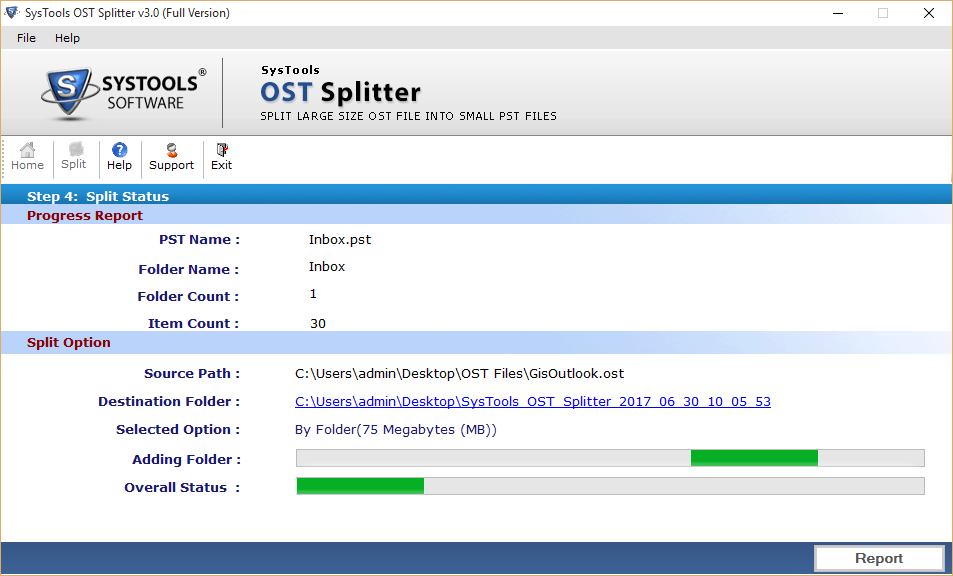
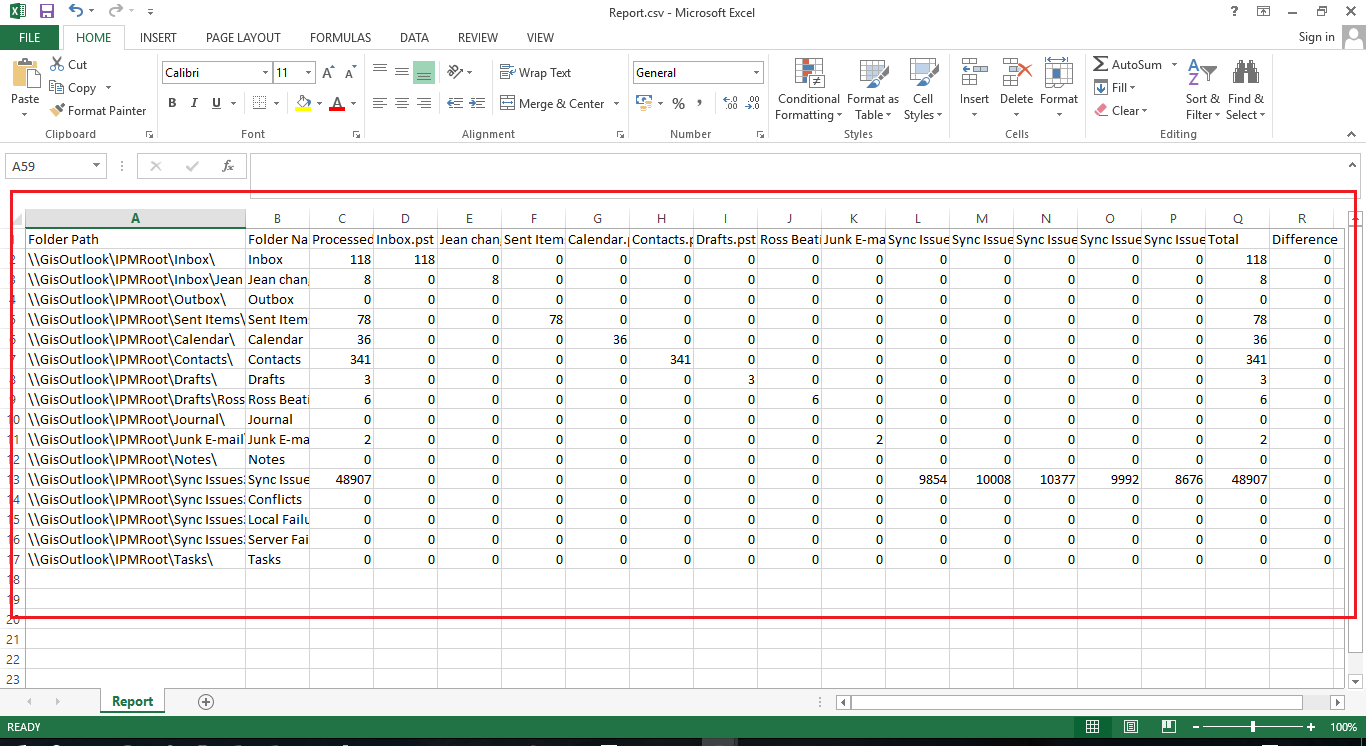
6. A report is generated which can be saved in a drive with CSV format.